
A passcode for each vault
Every vault has its own 4 to 8 digit passcode, separate from your iPhone’s, with Face ID or Touch ID.
Keep personal photos, videos and files in separate vaults, each with a passcode only you know. Open one and the rest stay hidden, break-in reports reveal intruders, and built-in tools let you edit, play and browse in private.

Move photos and videos out of your camera roll and into a vault that opens only with its own passcode or Face ID. Organize them in folders and view them without ever leaving the app.
Every vault has its own 4 to 8 digit passcode, separate from your iPhone’s, with Face ID or Touch ID.
Give your most sensitive folders their own password, on top of the vault’s passcode.
Photos, Live Photos, videos and documents from Photos, Files, Safari and the share sheet, with an option to delete them from Photos after import.
Tag anything with a color or a star rating, heart your favorites, and find them in one tap.
With Trash Bin enabled, deleted items stay there until you permanently remove them.
Keep family photos, work documents and anything else apart. Each vault has its own files, folders and passcode, and only the vault whose passcode you enter opens.
More about Multiple Vaults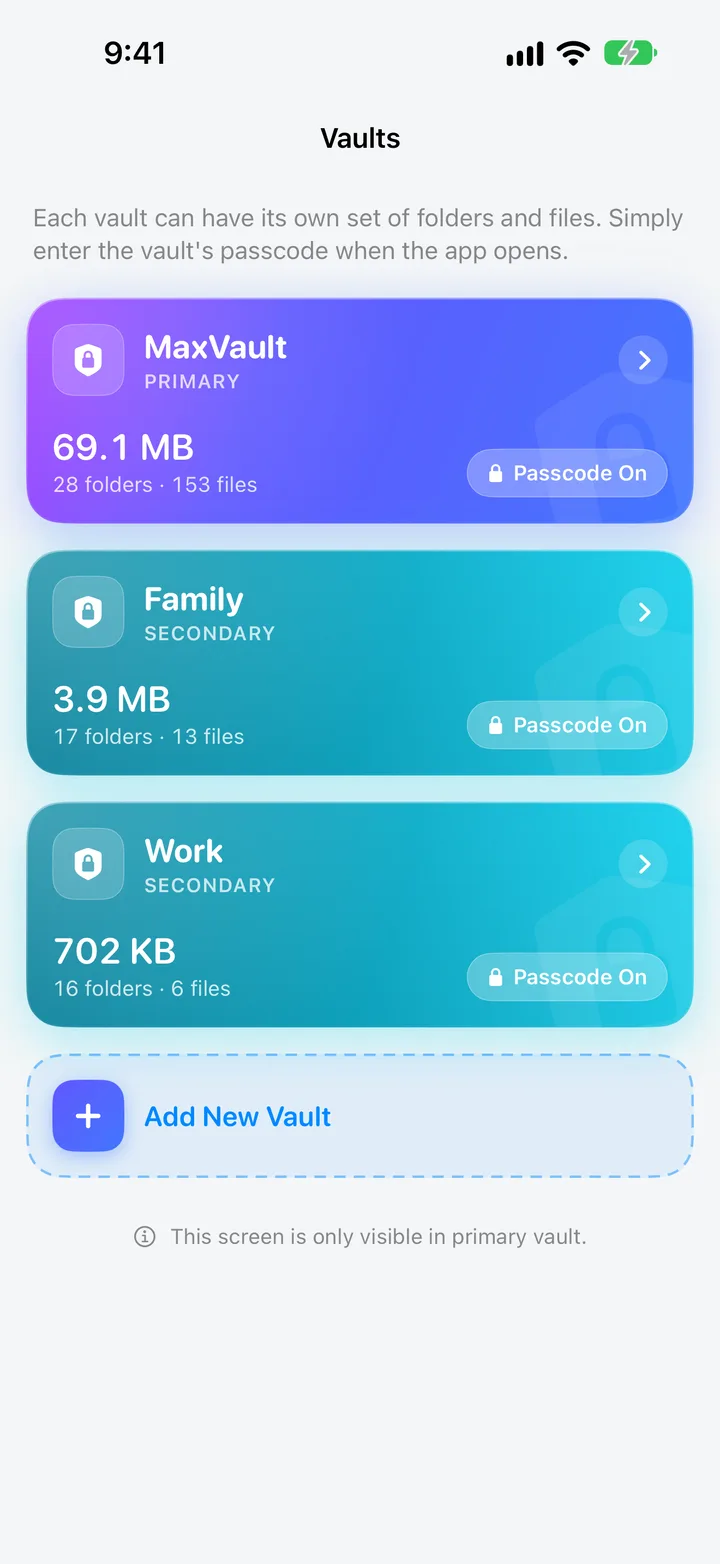
Enter a vault’s passcode when MaxVault opens and only that vault appears.
Nothing in one vault shows up in another, so opening one never reveals the rest.
The Vaults screen appears only in your primary vault, so opening any other vault gives no hint that more exist.
Fill a vault with harmless content, and open it, or let Panic Action switch to it, if you are ever pressured to unlock the app.
Every vault’s passcode keeps people out, and opens only that vault. MaxVault also tells you who tried, disguises itself in an instant, and supports passcode recovery through your MaxVault Account.
More about Security
After a wrong passcode, MaxVault can discreetly take a photo and save the attempt’s time and location.
Flip your phone face down or swipe down with three fingers to instantly open another app or switch to a decoy vault.
MaxVault never uploads your vault to a Rambax server. Files leave only when you share, export or transfer them.
If you set up a MaxVault Account for recovery, tap Forgotten Passcode? to request a recovery email.
Search and download inside the vault you opened. Files go straight into the folder you choose, never into your camera roll, and history can clear itself when you close the browser.
More about Private Browser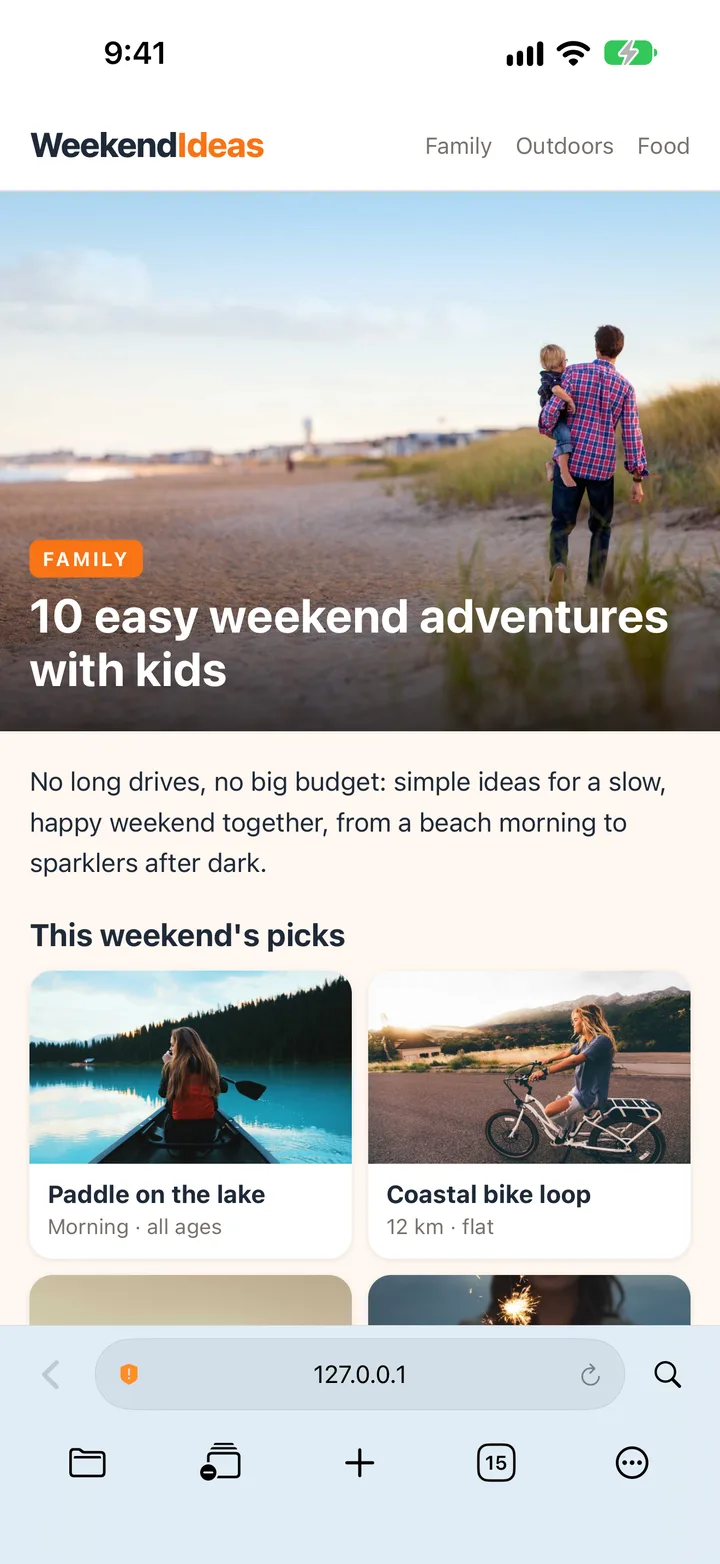
Save photos, videos and documents straight into the folder you choose.
Have browsing history and website data cleared automatically every time you close the browser.
Keep several pages open, and search the page you’re reading.
Jump between the browser and your files in a tap.
Save a page as a bookmark inside any folder, next to the files it relates to.
Blur faces, cover private details and strip location data before anything leaves your phone. Edits happen inside the vault, so no copies land in your camera roll.
More about Photo & Video Editor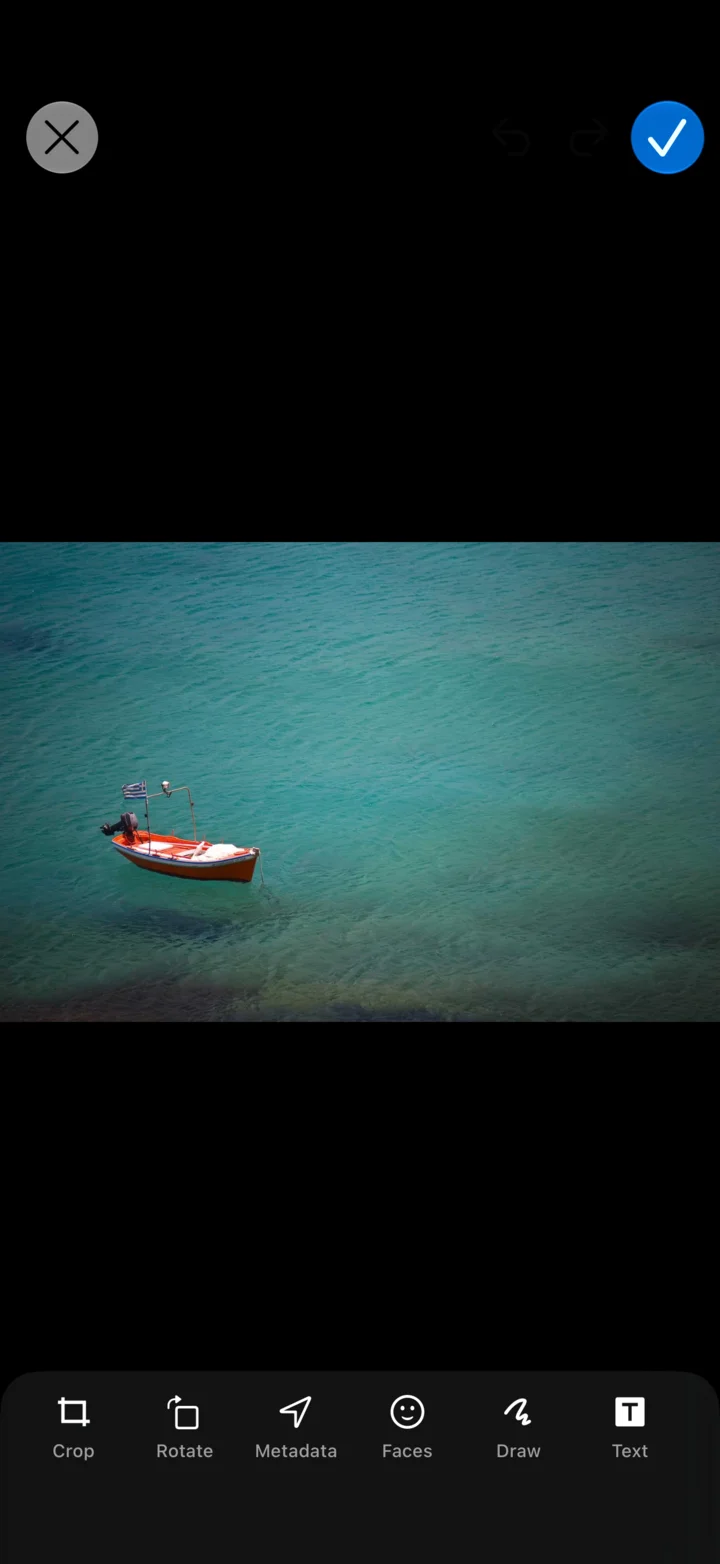
MaxVault finds the faces in a photo and blurs them in one tap. Blur any other area by hand.
Cover names, addresses, card numbers and anything else a screenshot shouldn’t show.
See the hidden details stored in a photo, like where it was taken, and remove them before you share.
Trim, rotate, crop, change quality, and save any frame as a photo.
Combine 2 to 6 photos with flexible layouts, ratios, spacing, corners and backgrounds.
Crop, rotate, draw, apply filters and fine-tune adjustments.
MKV, AVI, WMV, FLAC and dozens more open right in your vault, no conversion needed. Playback runs on the open-source VLC engine, and the Mini Player keeps your video or music going while you browse.

MaxVault plays media with VLCKit, the open-source engine behind VLC, so the formats VLC opens play here too.
Keep video or audio playing while you browse your vault, or in the background.
Choose what swipes and taps do, and set up the player’s gesture controls the way you like.
Slow it down, speed it up, repeat a track or shuffle a folder.
Watch with subtitles, and send playback to a TV with AirPlay.
Play photos as a slideshow with your choice of transition, timing, loop and shuffle.
Keep everything in order with folders, color tags and Favorites. Group related files, mark what matters, and find what you need without digging through your vault.

Nest folders, search, sort by name, size or date, arrange by hand, and switch between list and grid.
Scan paper documents with the camera straight into a private folder.
View PDF, Microsoft Office and iWork files, and zip or unzip archives.
Find duplicate files and choose which copies to delete. Nothing is removed until you decide.
Move files to and from a computer’s web browser on the same Wi-Fi, or to another device running MaxVault.
Work with iCloud Drive, Dropbox, OneDrive and Google Drive.
| Feature |  Photos Hidden album Photos Hidden album |  MaxVault MaxVault |
|---|---|---|
| Separate passcode from your iPhone | ||
| A different passcode for each vault | ||
| Locks individual folders | ||
| Photo of whoever enters a wrong passcode | ||
| Panic Action and decoy vault | ||
| Keeps documents, audio and any file | Photos & videos only | |
| Plays MKV, AVI, FLAC and more | ||
| Blur faces and remove location before sharing | ||
| Built into iOS, nothing to install |
See the full comparison, or read how to hide photos and videos on iPhone. Comparing apps? MaxVault vs other vaults.
This is a superlative extraordinary app, demonstrating design abilities that far exceed Apple’s native apps. I went through more than twenty file vault apps for comparison, and this is the finest by light years: beautifully and professionally made, with every conceivable function… And customer support is fast, courteous and responsive, too.
Stop searching for file hiding apps. This is the one you want. I downloaded over a dozen other apps and they are junk compared to this one. Nested folders? WiFi transfers? Icon thumbnails from videos? Awesome!
App is very easy & simple to use. At the same time very effective & never has crashed on me… And it also takes pics if someone puts the wrong passcode in. Importing and exporting is super simple.
This app is the best of its kind, and trust me, I’ve looked for and used many! With continuous updates, an active developer, user-picked features, and loads of options and security in-app… This is definitely the best privacy/vault app available.
The customer service is amazing and very prompt. I had a minor issue and I was contacted that very day! The app itself is well thought out and very accessible… Way too many features to discuss.
After looking at tens of secret photo vault apps I came across this one. Downloaded it and immediately knew it was the one… You also have the option to put a passcode on individual items, which is great. 10/10
Everything else is in the full FAQ.


